Is Vegas Pro being a pain? Reset your Vegas Pro layout back to the default layout to bring back any missing or repositioned windows
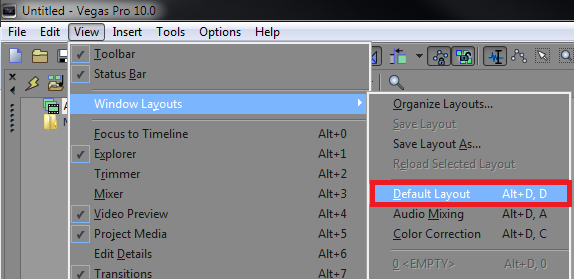
In the top left corner navigate to View > Window Layouts > Default Layout. You can also use the shortcut Alt + D.
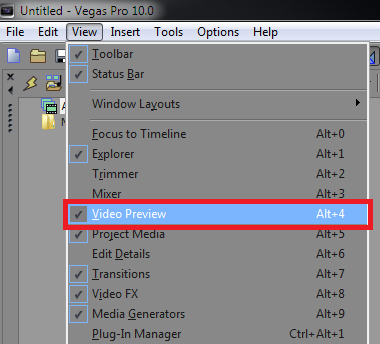
You can also show and hide separate windows in Sony Vegas Pro 10 by checking or unchecking items within the “View” list. For example, hiding the Video Preview window would remove it from the layout.